Customise Hardware
Though there are lots of custom made signage and large display integrated boxes available in the Internet. I have not known any of them that are available locally in Singapore. Therefore the price tends to be hugely expensive taking into the cost of shipment and the substantial time delay due the fact it is make to order. So why not assemble it locally? Contact us, if you needs help.
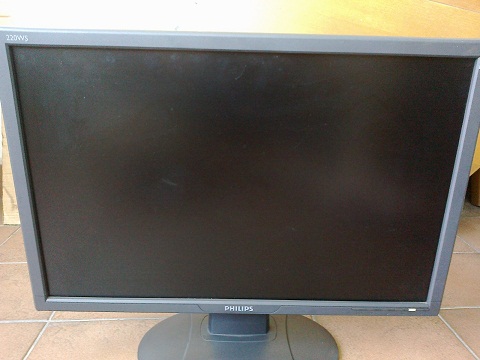
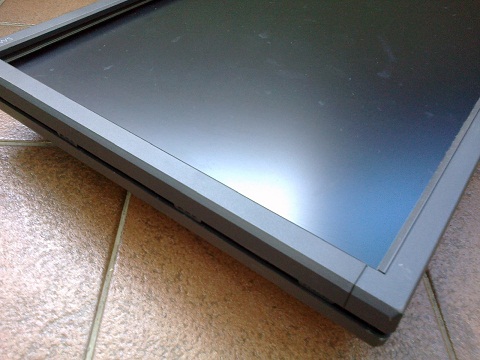
Anyway, the daunting task in self assembly is how do I strip out a LCD panel and box it up with the other PC components? Which I will be showing you how to take apart a LCD screen with a 22" Philips. Please note to my knowledge, most LCD have a metal frame that is wrap around in a fabricated plastic PVC cover. This is how it looks like.
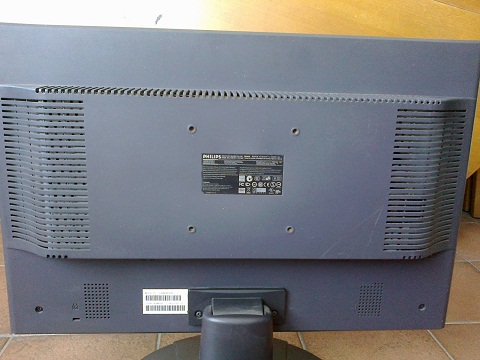
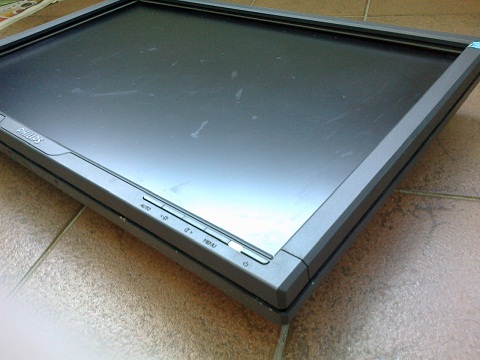
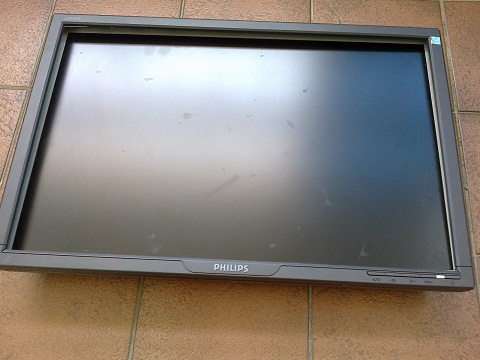
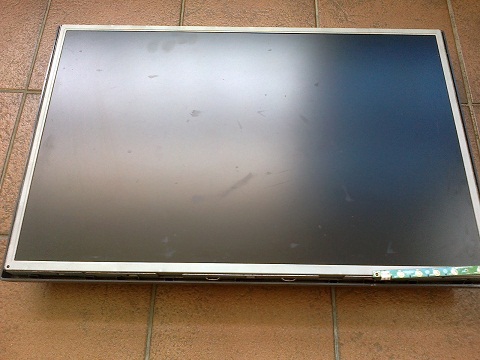
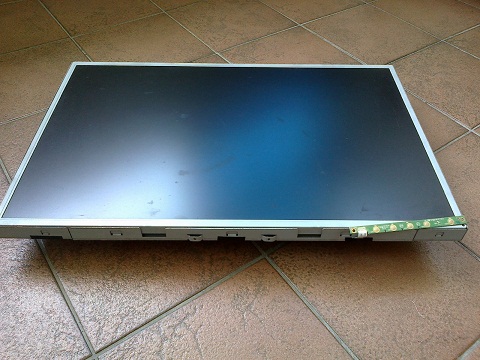
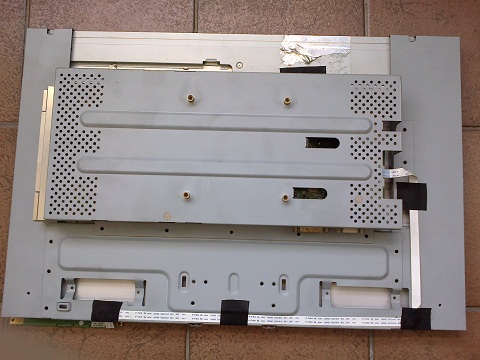
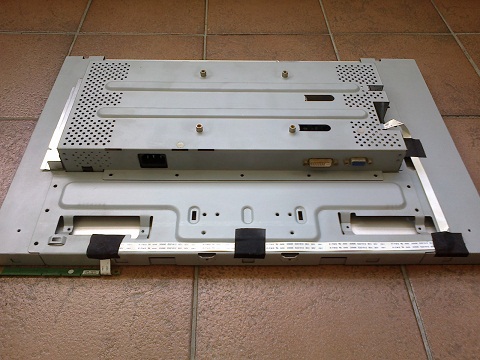
First take a look at the front and back view.
Next, get your Phillip screw driver and remove the LCD stand. Then unscrew all the other screws that you can find on the back and all around the side of the LCD panel.
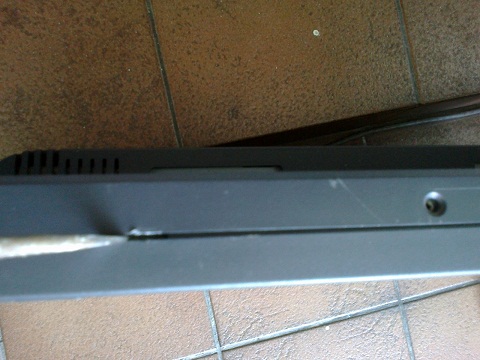
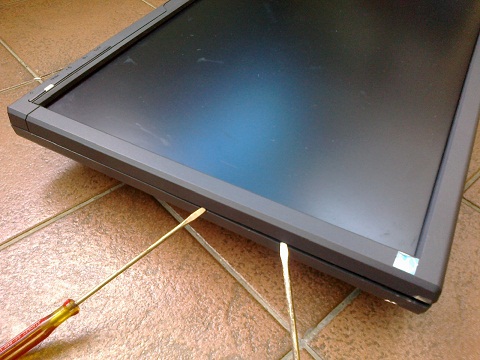
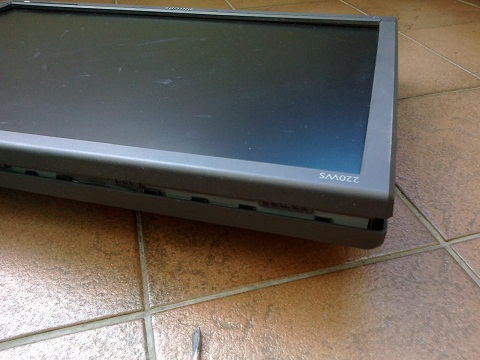
Once that is done, get 2 thin flat screw drivers. Look through the groove between the front and back cover, you should notice some kind of catch, insert a screw driver and gently twist it and after it is dislodge, get the other screw driver and move to dislodge the next catch while still holding the first to prevent it from snapping back. And so on.
That should do the trick and now all catches are dislodged. You can then lift the front cover out at ease. Not before paying attention to the menu control, which could still be attached to the cover by a cable and some screw.
Here you are, all done within 15 minutes.
Finally, if you intend to join 2 or more pieces of LCD panels, please beware there is at least a 0.75 cm thick metal frame around it.